Family
Share shopping lists, stock, and recipes in real time with up to five members.
With the Family plan, up to five members can share shopping lists, stock, and recipes in real time. When someone checks an item, everyone else sees it immediately, preventing duplicate purchases.
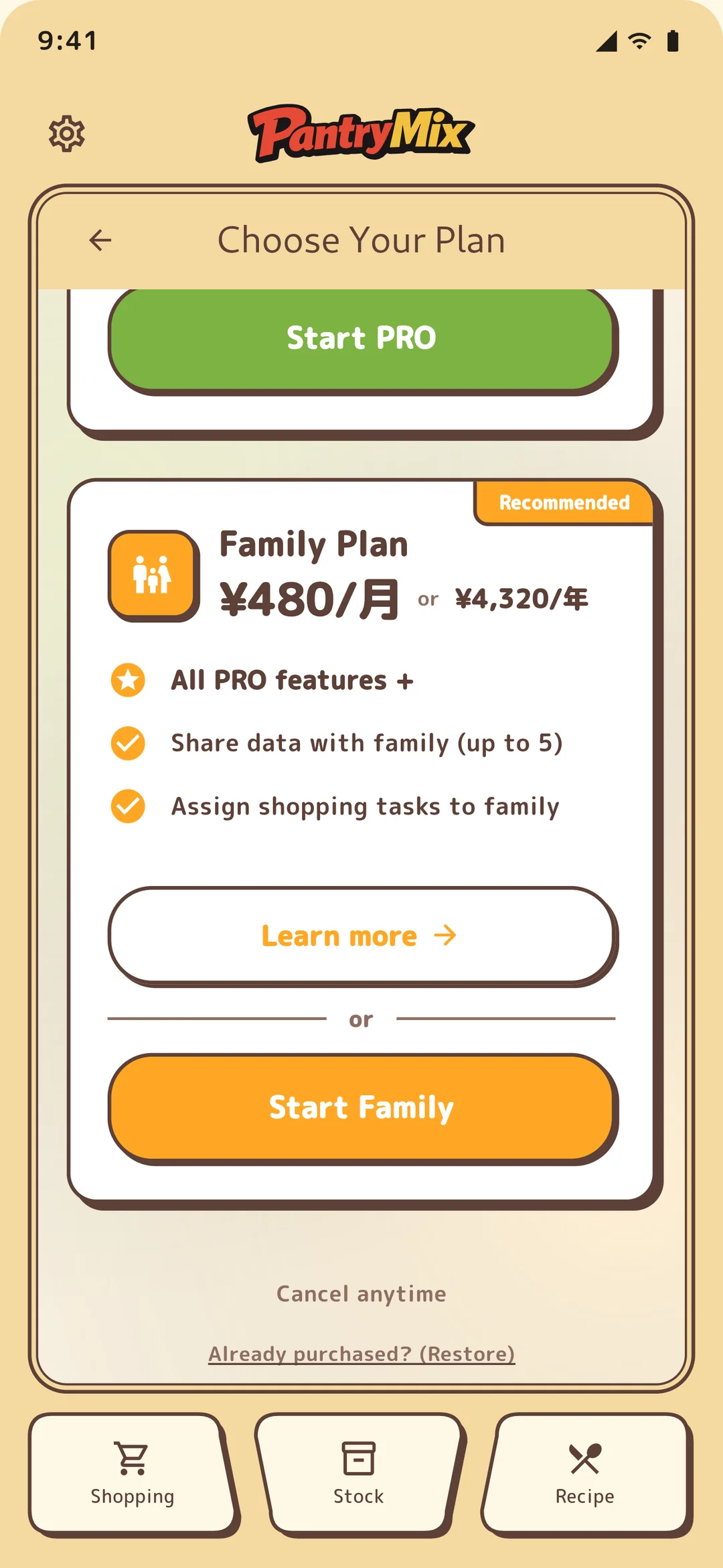
1Join the Family plan
Only a Family plan subscriber, the owner, can create a group. Go to Settings > Family > Join Family Plan to purchase.
Members who join an existing family do not need their own paid plan. They can join as free users, and the owner’s subscription covers the whole family.
2Invite members
- The owner opens Settings > Family > Family Settings and creates an invite code. Share that code with family members by message or another channel.
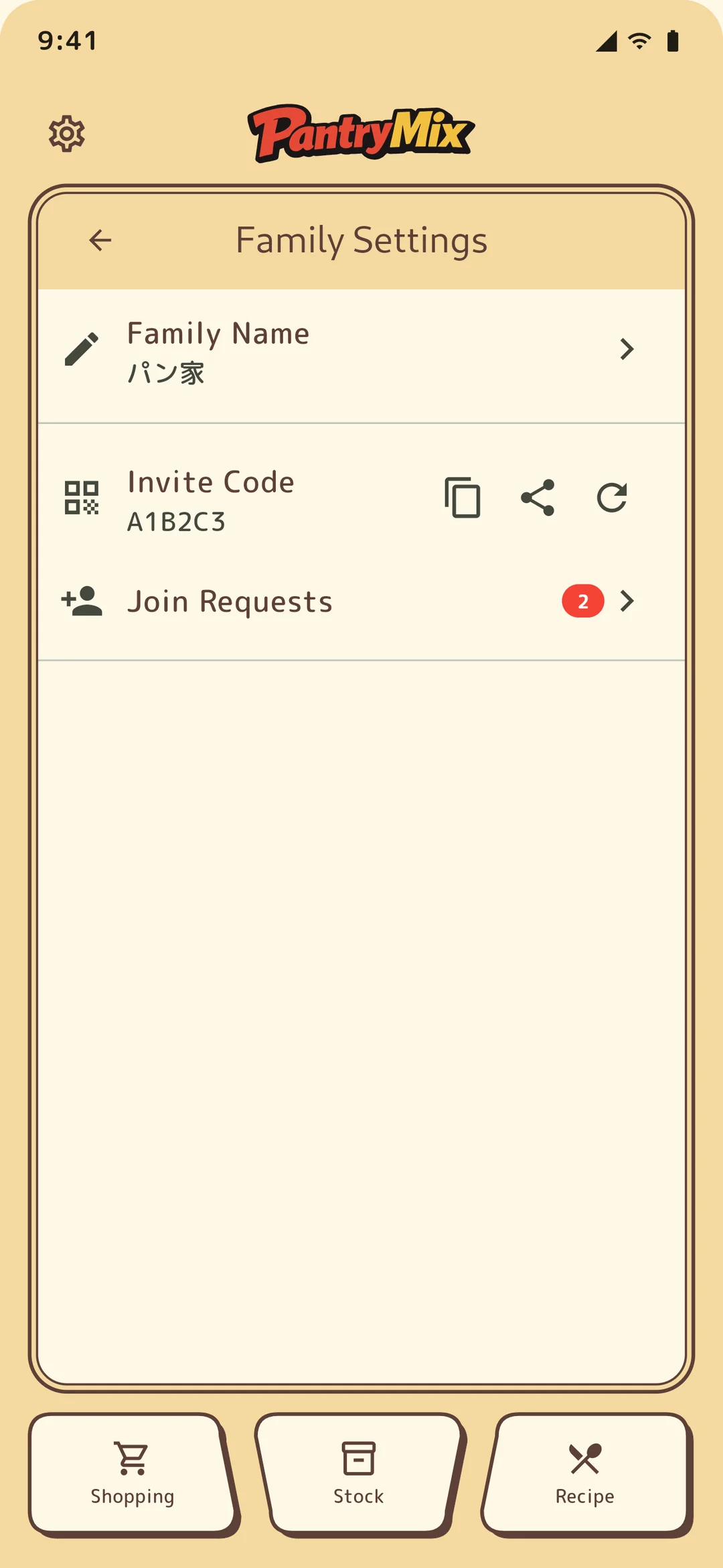
Owner invite code screen. - The other person enters the invite code from “Join Family” and sends a join request. Once the owner approves it, the member is added and real-time sync begins.
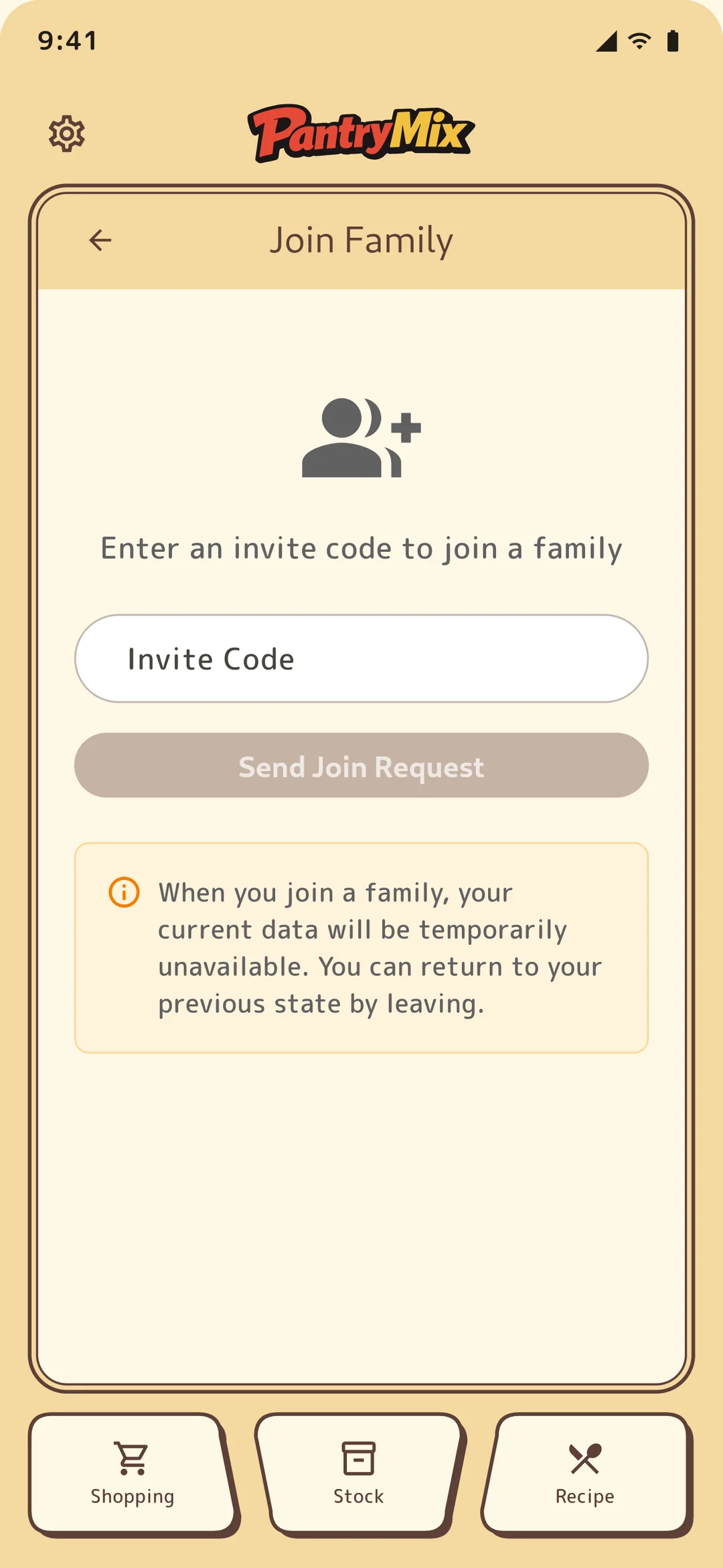
Member invite code entry screen. 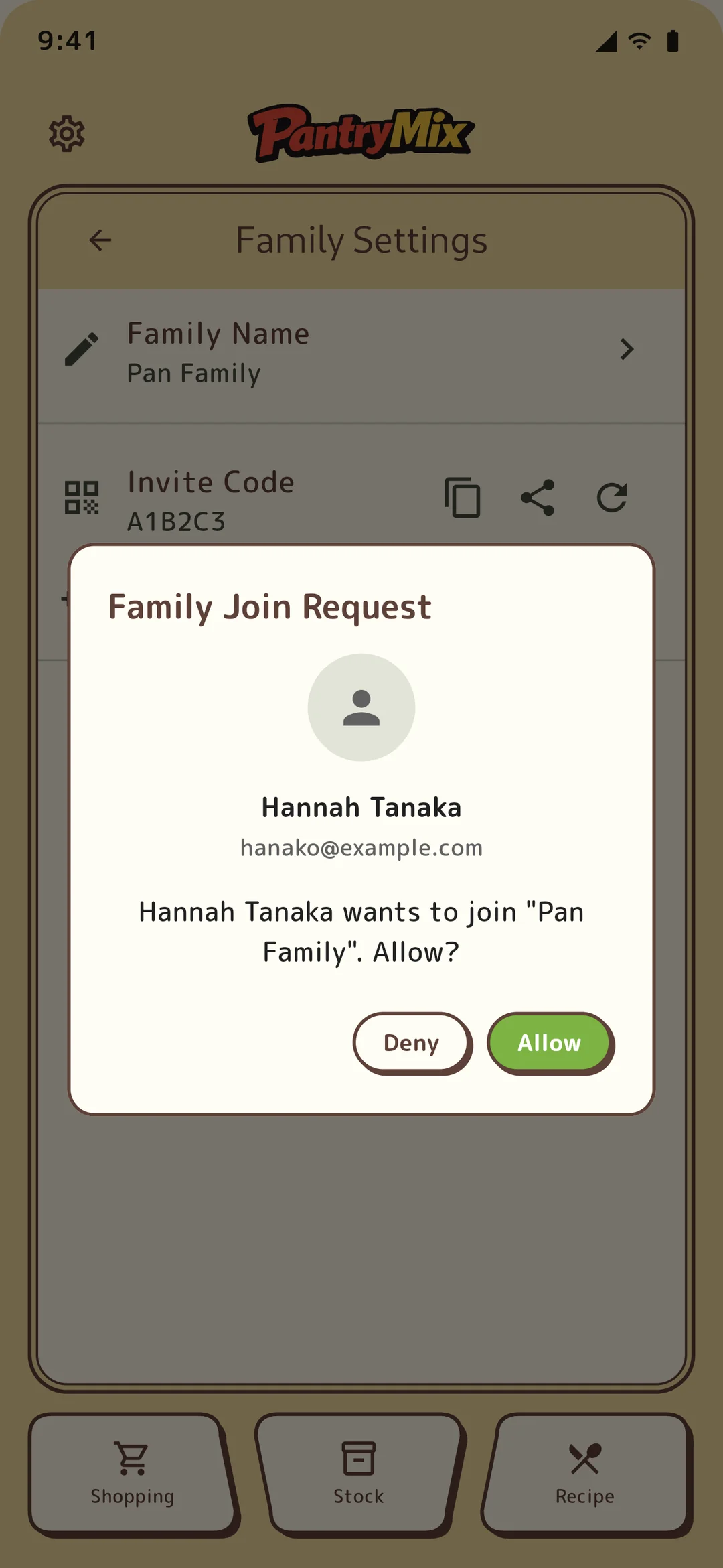
Join request approval dialog.
3Owner and members
A group has two roles: owner and member.
The owner is the Family plan subscriber and can invite, approve, remove members, and dissolve the group. Members can view and edit stock, shopping lists, and recipes, and can leave the group at any time.
4Assign shopping tasks
Shopping tasks are a PRO and Family feature. On the Family plan you can assign a member to ask the household to “buy milk,” and that person gets a notification. See the Shopping guide (related links below) for the full steps to create a task.
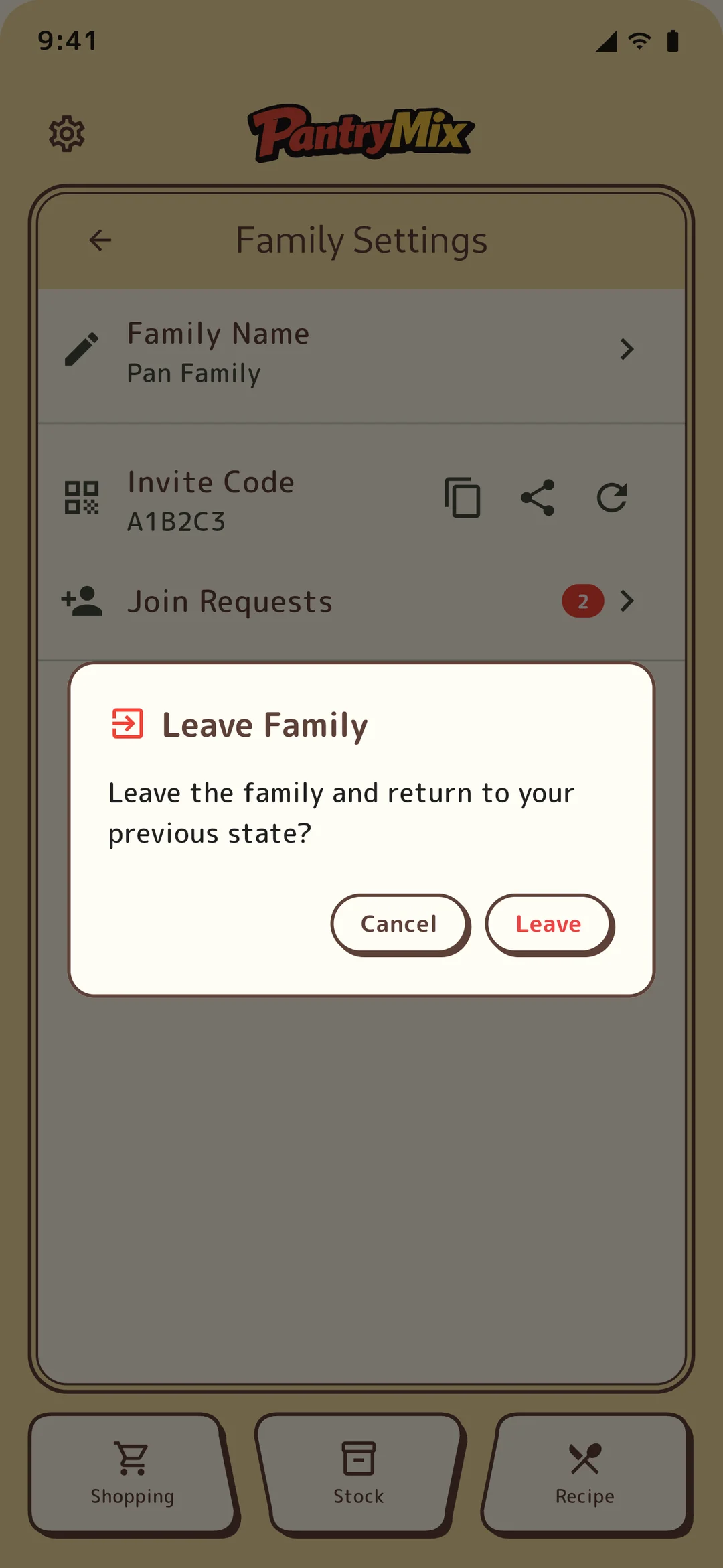
5Leaving and dissolution
Members can leave at any time. If the owner cancels the plan or dissolves the group, members are also removed from the group. When leaving, PantryMix confirms how to handle the member’s own data.