Plans and Billing
The four plans (Guest, Free, PRO, Family) and how billing works.
PantryMix has four tiers: Guest, Free, PRO, and Family. Choose the level that fits your kitchen, and upgrade or downgrade when needed.
1Plan comparison
Guest means using the app without account registration. A free account enables cloud backup, so data can be restored when changing devices. Real-time sync and multiple devices require PRO or higher.
| Feature | Guest | Free | PRO | Family |
|---|---|---|---|---|
| Data storage | On device only | Device + cloud backup | Device + cloud sync | Device + cloud sync |
| Sync | - | Backup only | Real time | Real time |
| Devices | - | 1 device | Unlimited | Unlimited |
| Food and recipes | Unlimited | Unlimited | Unlimited | Unlimited |
| Staple auto-add to shopping list | ✓ | ✓ | ✓ | ✓ |
| Stock quantity tools | - | - | ✓ | ✓ |
| 0% auto-refill | - | - | ✓ | ✓ |
| Home widgets | - | - | ✓ | ✓ |
| Shopping tasks | - | - | For yourself | Assign to family |
| Ads | Shown | Shown | Hidden | Hidden |
| Family sharing | - | - | - | Up to 5 members |
| Price | JPY 0 | JPY 0 | JPY 300/month or JPY 2,700/year | JPY 480/month or JPY 4,320/year |
2PRO and higher benefits
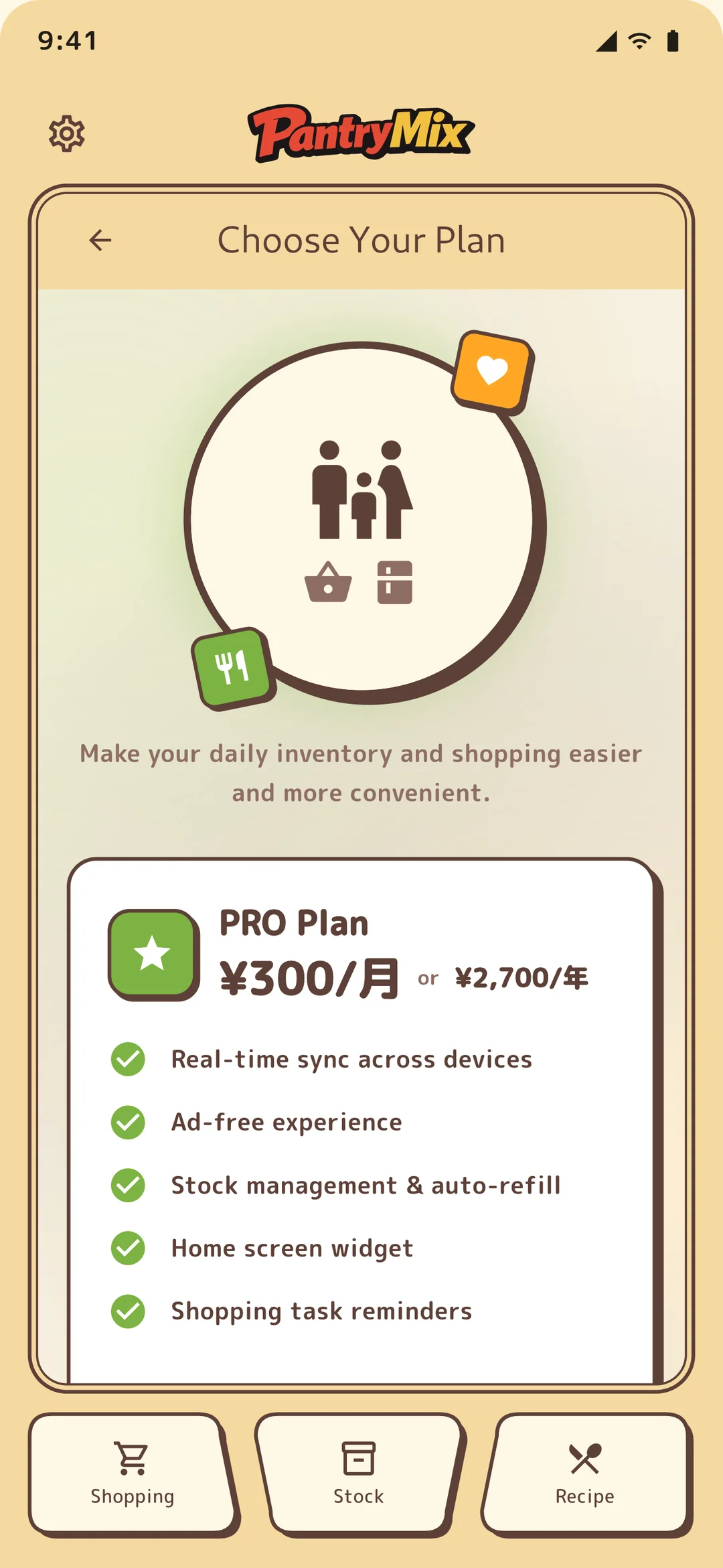
PRO and Family unlock features that reduce daily friction: multi-device sync, home screen widgets, shopping tasks, and no ads.
3Plan switching patterns
Free to PRO moves local data into the cloud after payment. Free to Family as a member uses the owner’s invite code, so the member does not need to purchase a paid plan.
PRO to Family as the owner upgrades by the price difference (JPY 180/month) and creates a family group automatically. PRO to Family as a member requires canceling PRO first, then joining with an invite code.
4Payment method
On iOS, billing uses the payment method tied to your App Store account. On Android, it uses your Google Play account. Credit cards, carrier billing, and prepaid cards are supported, with availability depending on each store.
5Change or cancel a plan
On iOS, cancel from Settings > Apple ID > Subscriptions > PantryMix. On Android, cancel from Google Play > Profile > Subscriptions > PantryMix. After cancellation, paid features remain available until the next renewal date.
Uninstalling the app does not cancel the subscription. To stop billing, cancel from the store subscription management screen.
6Refunds
Refunds follow the policies of App Store and Google Play. PantryMix cannot process store purchases directly, so please contact the store where you purchased the subscription.
7Device limit
A free account is tied to one device for cloud backup. When you sign in on a second device, a device limit notice appears. For device changes, you can move to the new device with “Switch to this device,” but switching is limited to once every seven days.
To use multiple devices at the same time, upgrade to PRO or Family to remove the device limit. You can then use a tablet at home, a phone on the go, and several family devices together.