Recipes
Register recipes, compare them with your stock, check cookability, and add missing ingredients.
Register recipes as ingredient sets, then PantryMix compares them with current stock and calculates cookability. Reserving ingredients keeps stock accurate and sends only missing items to the shopping list.
1Register recipes
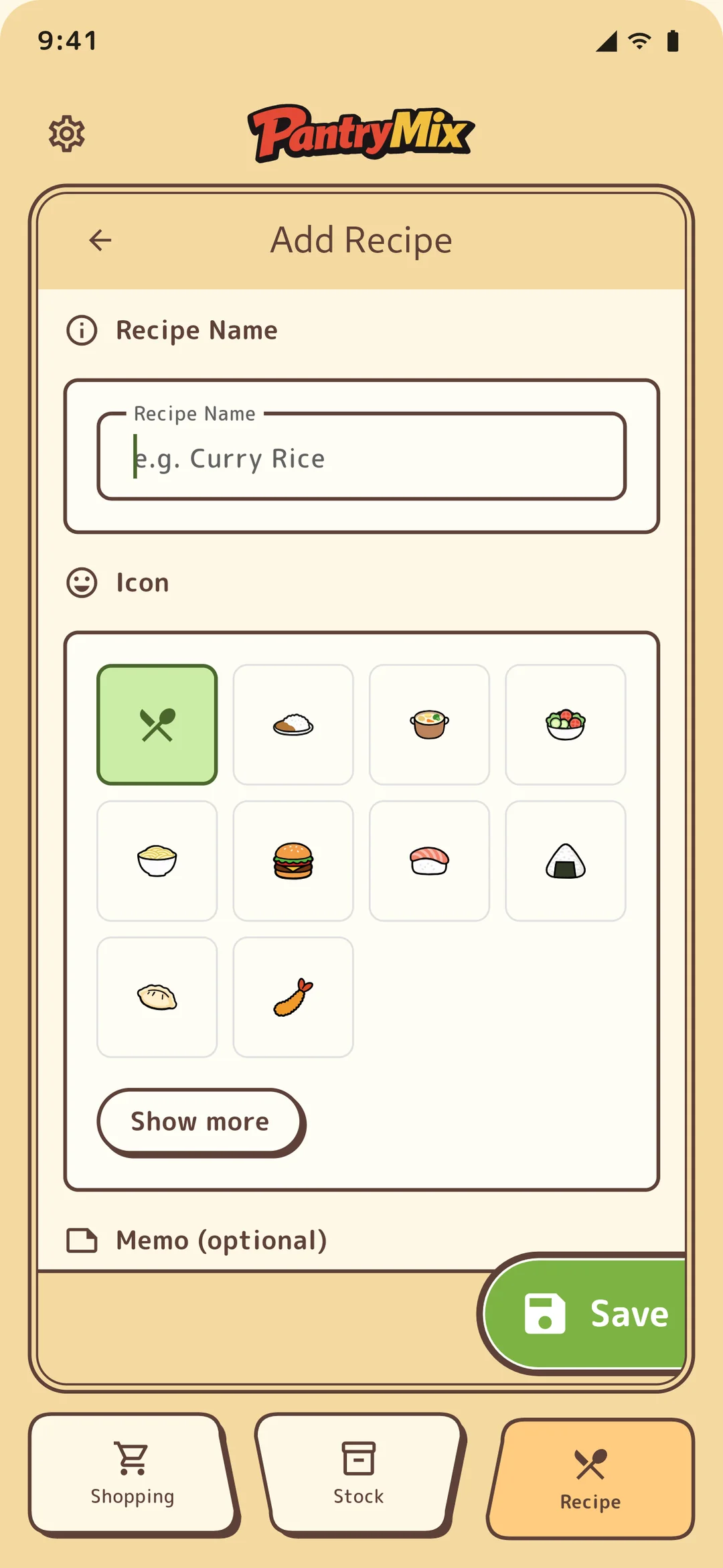
From the + button in the recipe tab, register the recipe name, icon (emoji or image), and ingredients with amounts. Ingredients can be selected from the food master or entered manually. Ingredient and recipe counts are unlimited on every plan.
2Read cookability
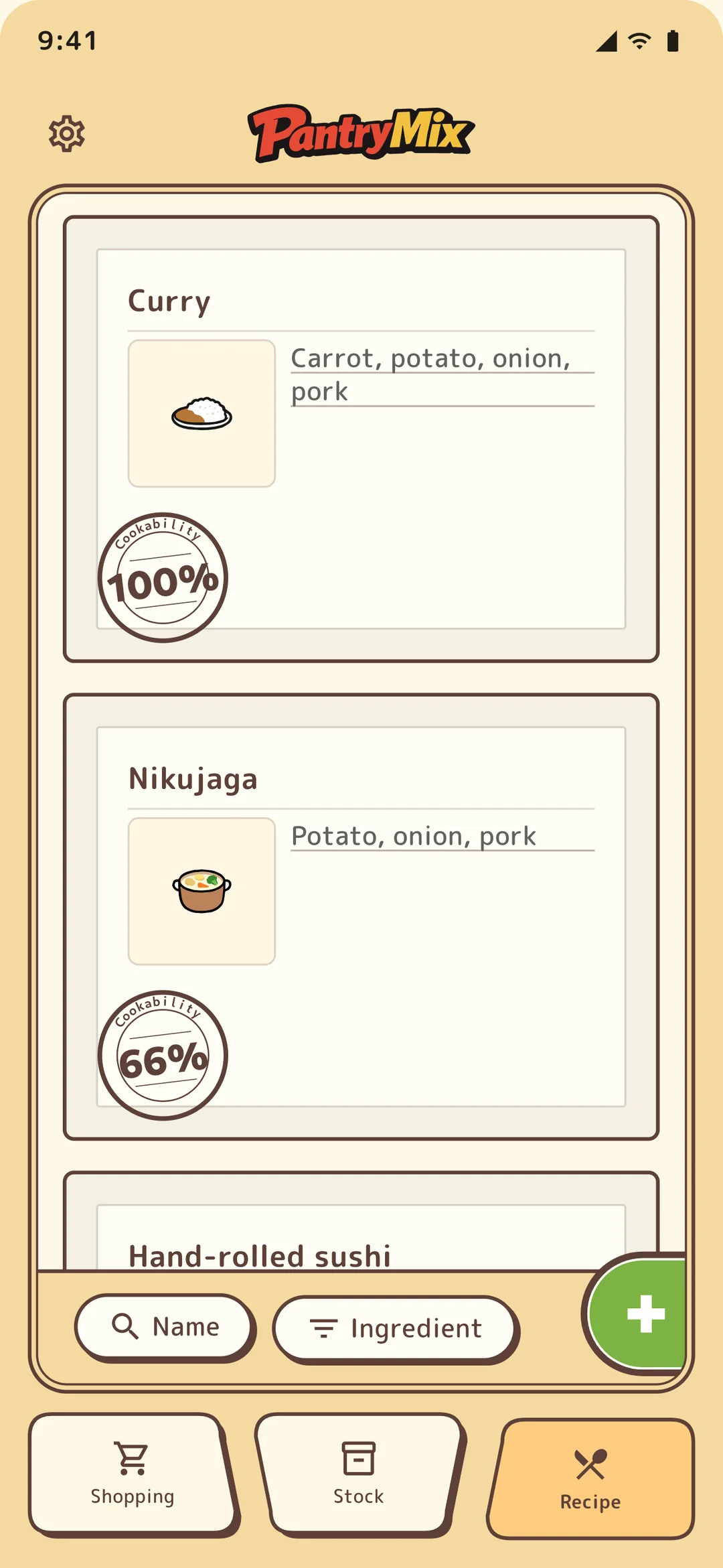
The recipe list shows each recipe’s cookability from 0 to 100%. PantryMix compares current stock with required ingredients; 100% means you can cook it now.
3Reserve ingredients
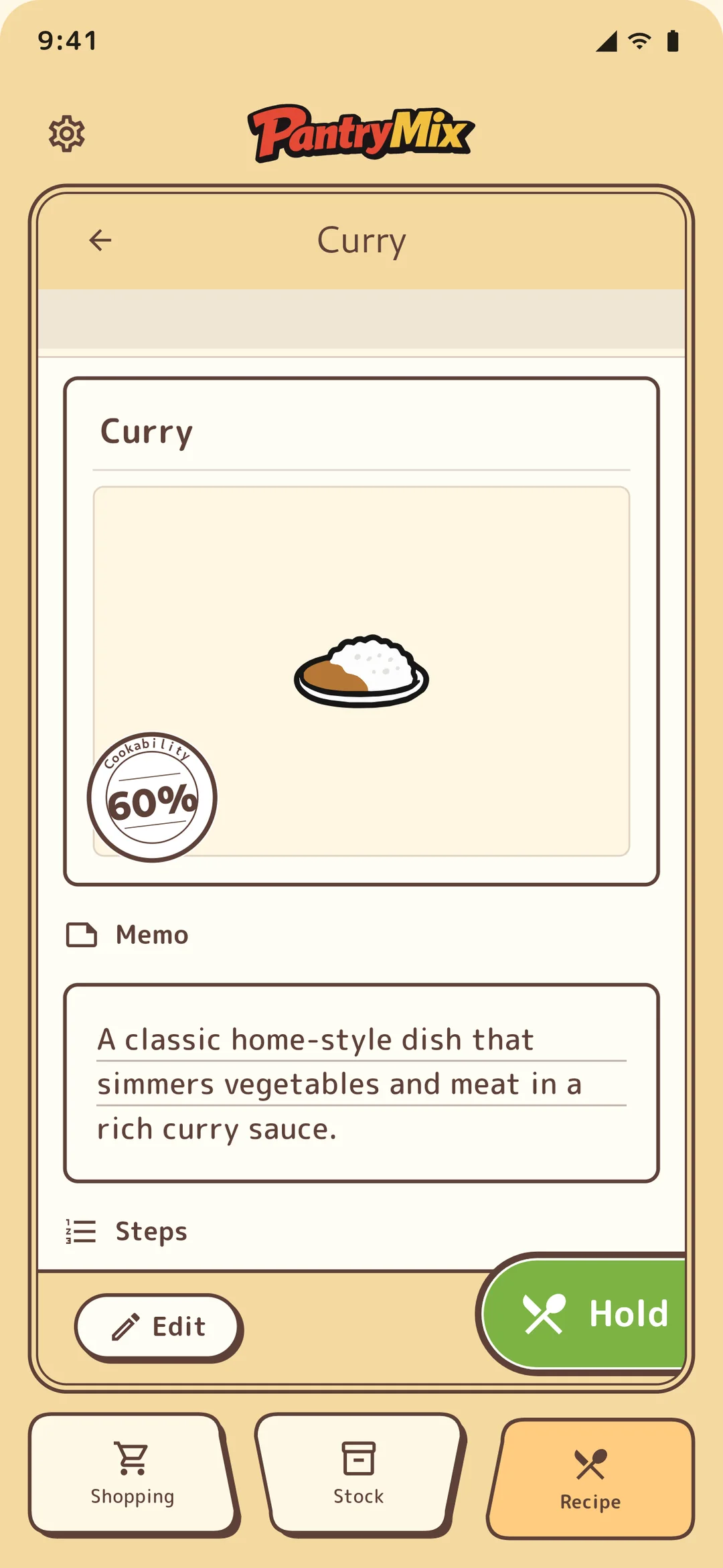
Run “Reserve” on a recipe detail page to reserve the ingredient amounts in stock. In stock, those amounts appear as “reserved,” so you can decide dinner before someone else uses the ingredients.
4Add missing items
Use “Add missing items to shopping list” on the recipe detail page to add only what is missing. The flow is one tap: decide curry, notice only garlic is missing, then send just garlic to the shopping list.
5Search and filter by ingredient
When you want to use up carrots or another ingredient, filter recipes by that ingredient. It helps you find a good way to use current stock.
6Substitute with another stock item
Tap an ingredient on a recipe detail page to choose another stock item to use instead (for example, milk to soy milk). The same ingredient appears under suggestions, other stock can be picked from the list, and you set the amount with a slider.
A substituted ingredient counts as “sufficient” and is reflected in cookability. When you finish cooking, the substitution clears automatically and the original ingredient returns next time. It is available on every plan.
7Turn a cooked dish into stock
Running “Finish cooking” on a recipe detail page consumes the ingredient stock. If you keep “Add as cooked stock” checked, the finished dish (for example, curry) is registered at 100% under the “Cooked” category.
Cooked stock is marked with a pot icon and shows the number of days since cooking, which is handy for tracking leftovers. Uncheck it to consume ingredients only without creating stock. It is available on every plan.