Getting Started
Set up in about five minutes: install, create an account, invite family, and build your first shopping list.
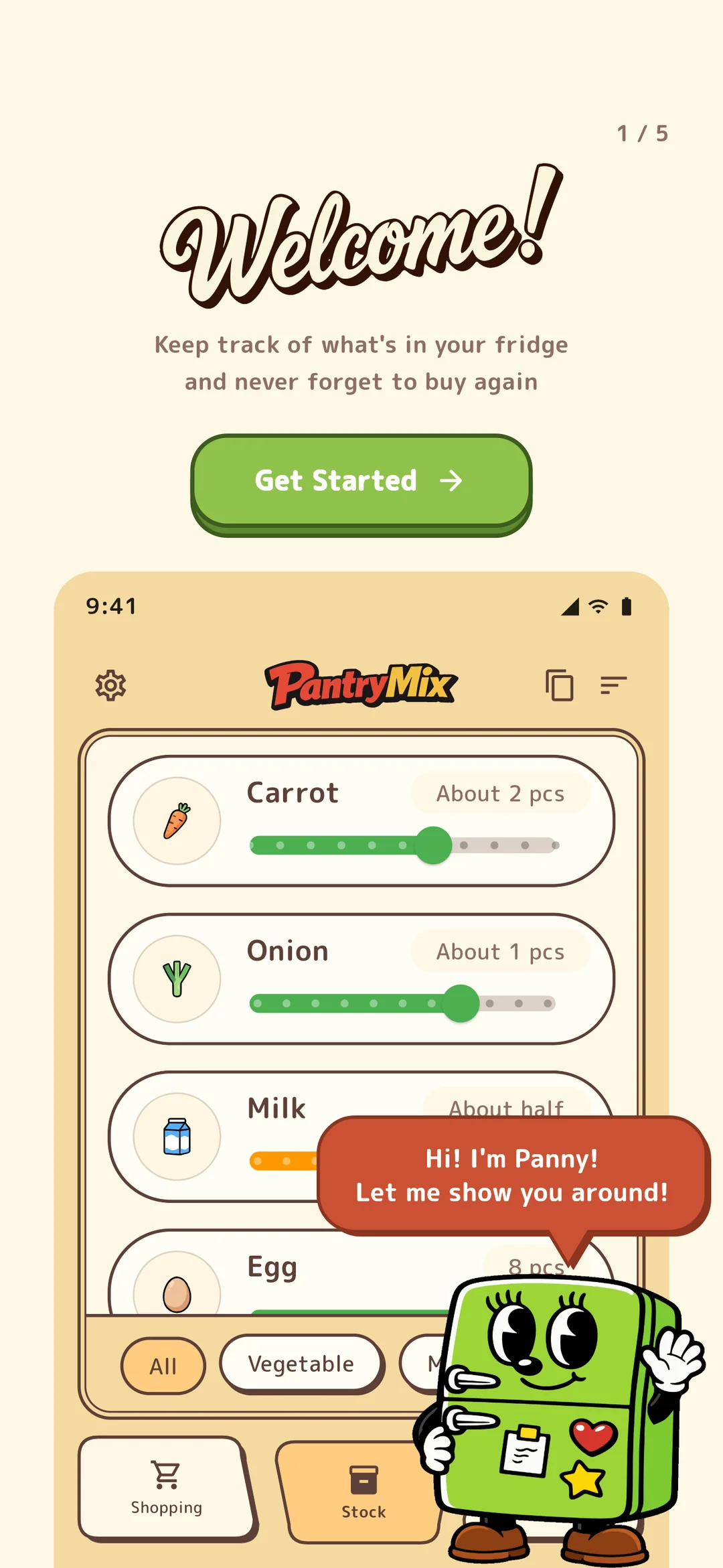
Welcome to PantryMix. This guide walks first-time users through the release status, account setup, family invitations, and the first shopping list. It takes about five minutes.
1Release status
PantryMix is available on the App Store and Google Play. After installing the app, you can follow this guide to complete the initial setup.
2How to start
PantryMix can be used without creating an account in guest mode. Guest data stays on the device, so it is a good way to try the app first. When you need device migration or family sharing, move on to sign-up.
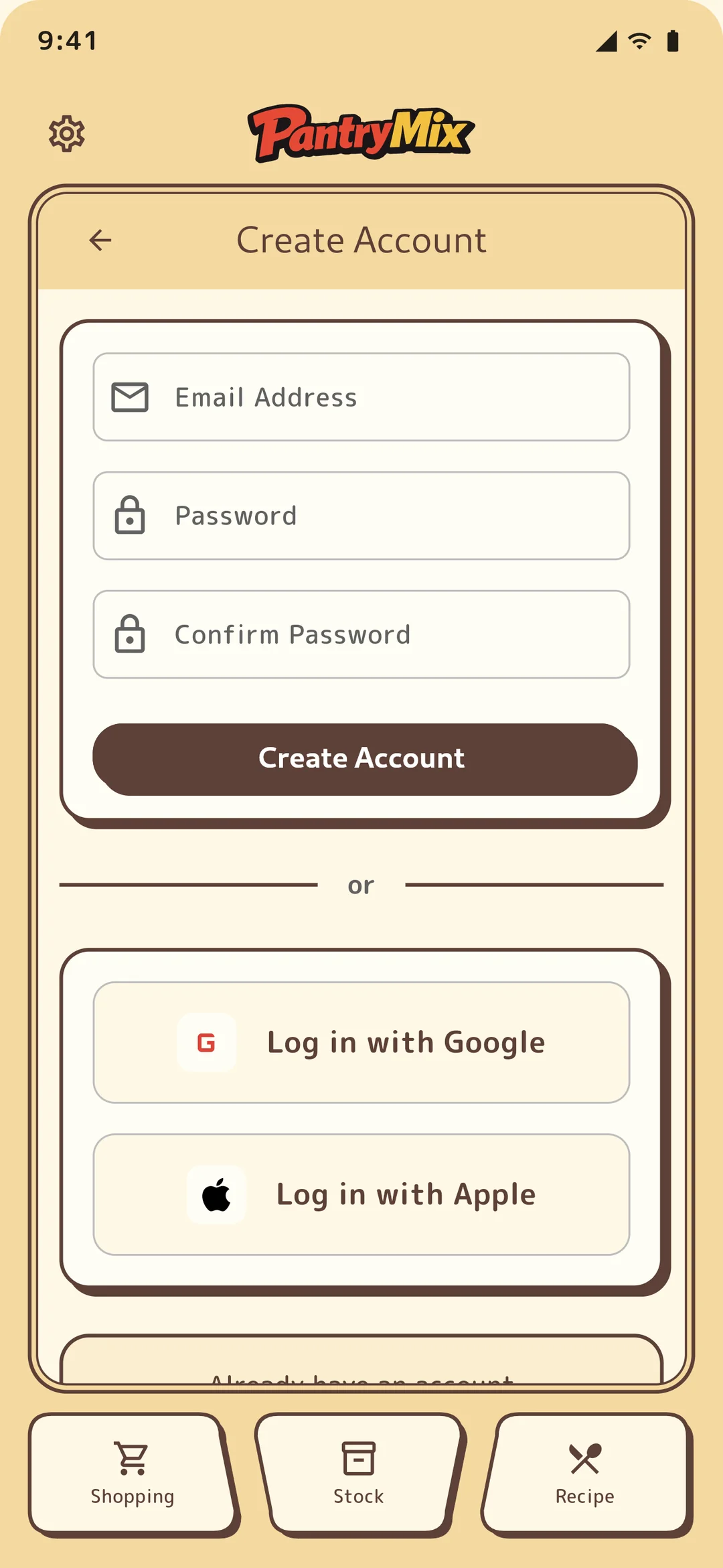
Guest mode stores data only on the device and has no backup for device changes. A free account can be created with email, Apple, or Google and enables cloud backup for one device. PRO and Family unlock plan-specific features such as multi-device sync, family sharing, and widgets.
You can switch to PRO or Family later. Start with guest mode or a free account to see how it feels.
3Set up your profile
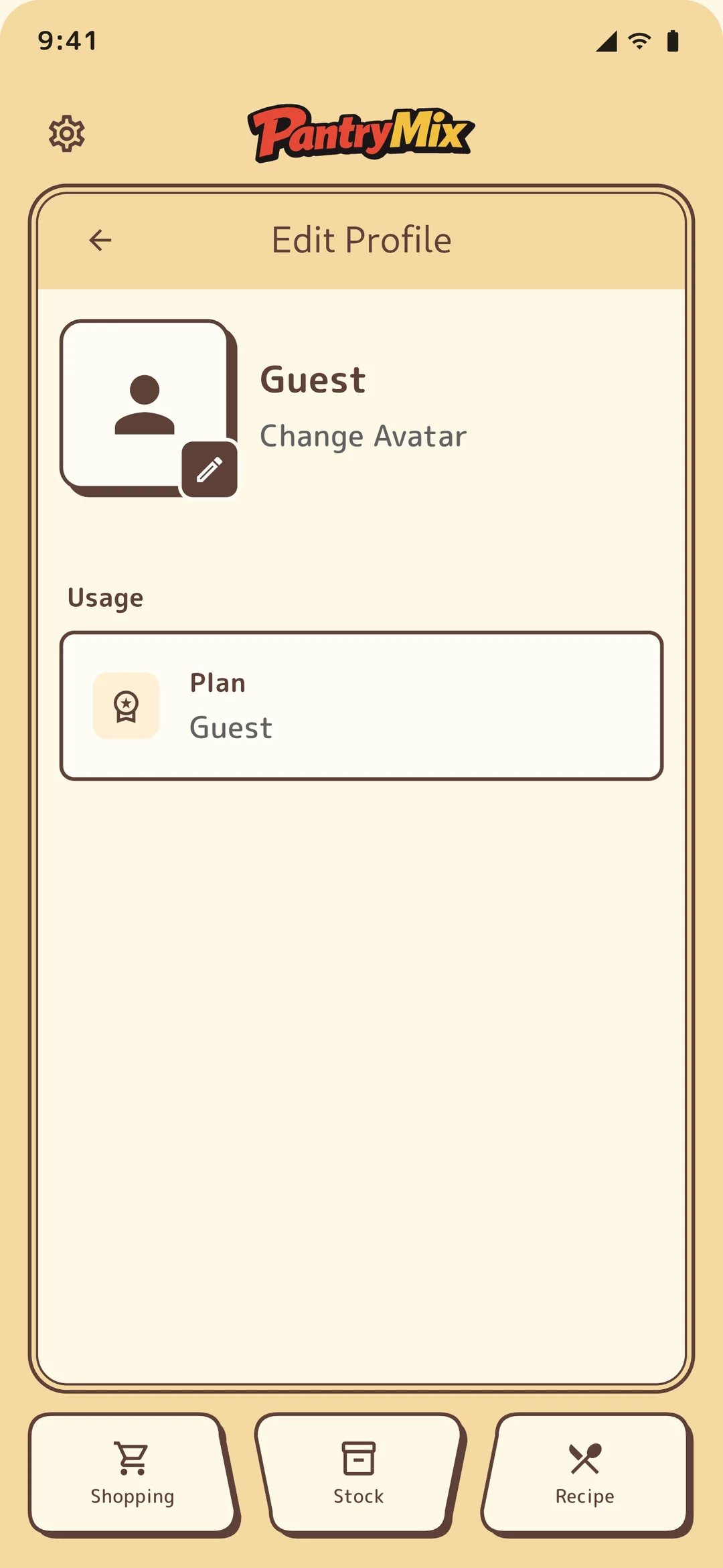
From settings, you can set your display name and avatar. In a shared family group, this makes it easy to see who added each item.
4Create your first shopping list
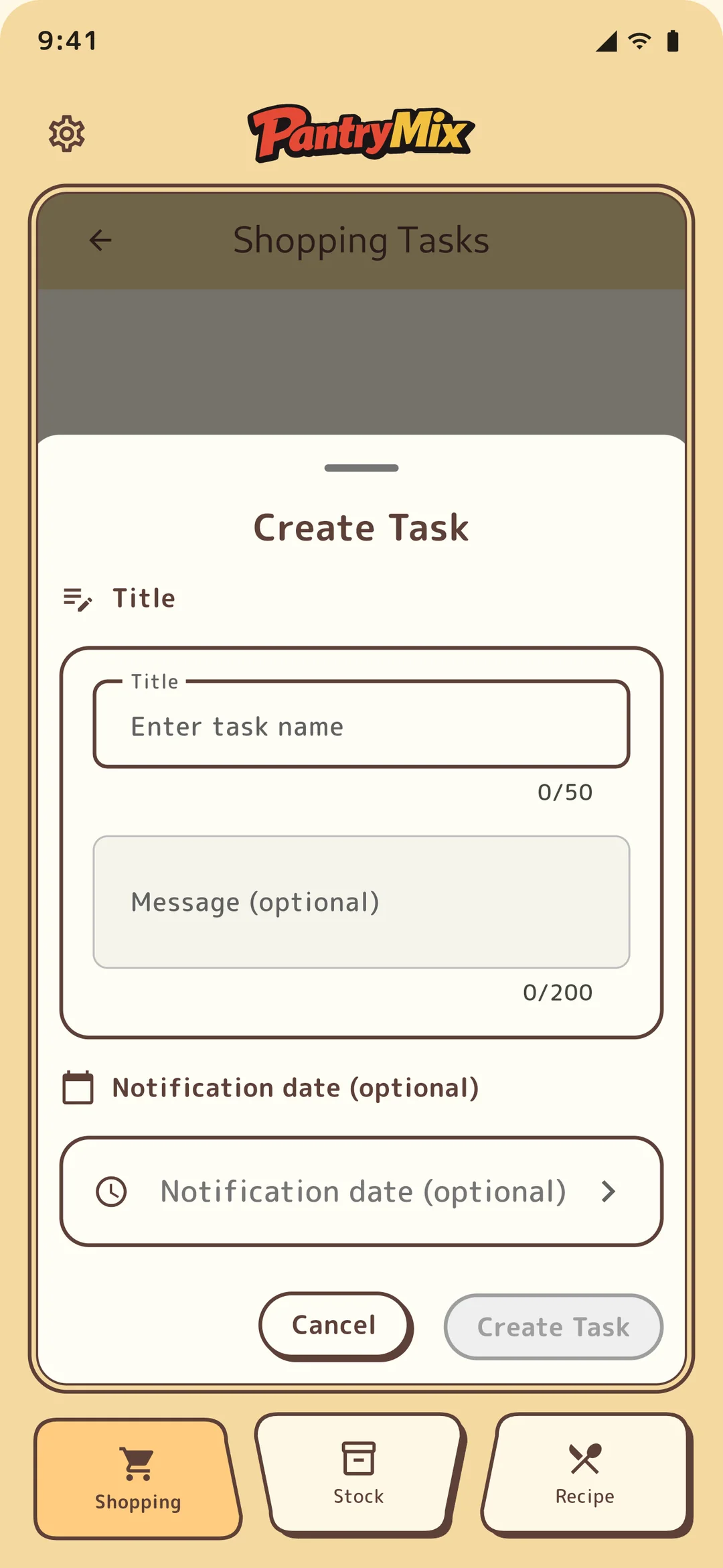
Open the shopping list tab and add an item from the + button in the lower right. Choose a suggested ingredient from the food master, or enter a new ingredient manually.
At the store, tap purchased items to check them off. The “Add to stock” action moves checked items directly into stock.
On first launch, templates let you add common ingredient sets in bulk, so you can start without entering carrots, onions, and other staples one by one.